FeaturesChecks
Check your analysis model's column loads against a load takedown
Why check an analysis model with a load takedown?
An analysis model gives a load for every column on every storey, but on a tall building those numbers aren't ready to design from. A load takedown is a simple, independent check on them.
Construction loads
The model puts the whole building's weight on the finished frame in one step. The real building goes up floor by floor. Columns shorten more than cores, so in the model the stiff cores pick up load that stays in the columns on site. Columns next to cores can read lighter than they will be.
Transfers
A transfer deflects, so in the model the columns above shed load sideways to stiffer columns nearby. The transferred column and the transfer can look lightly loaded. On site the transfer is often propped, and when the props come out the load goes back.
Stiffness against area
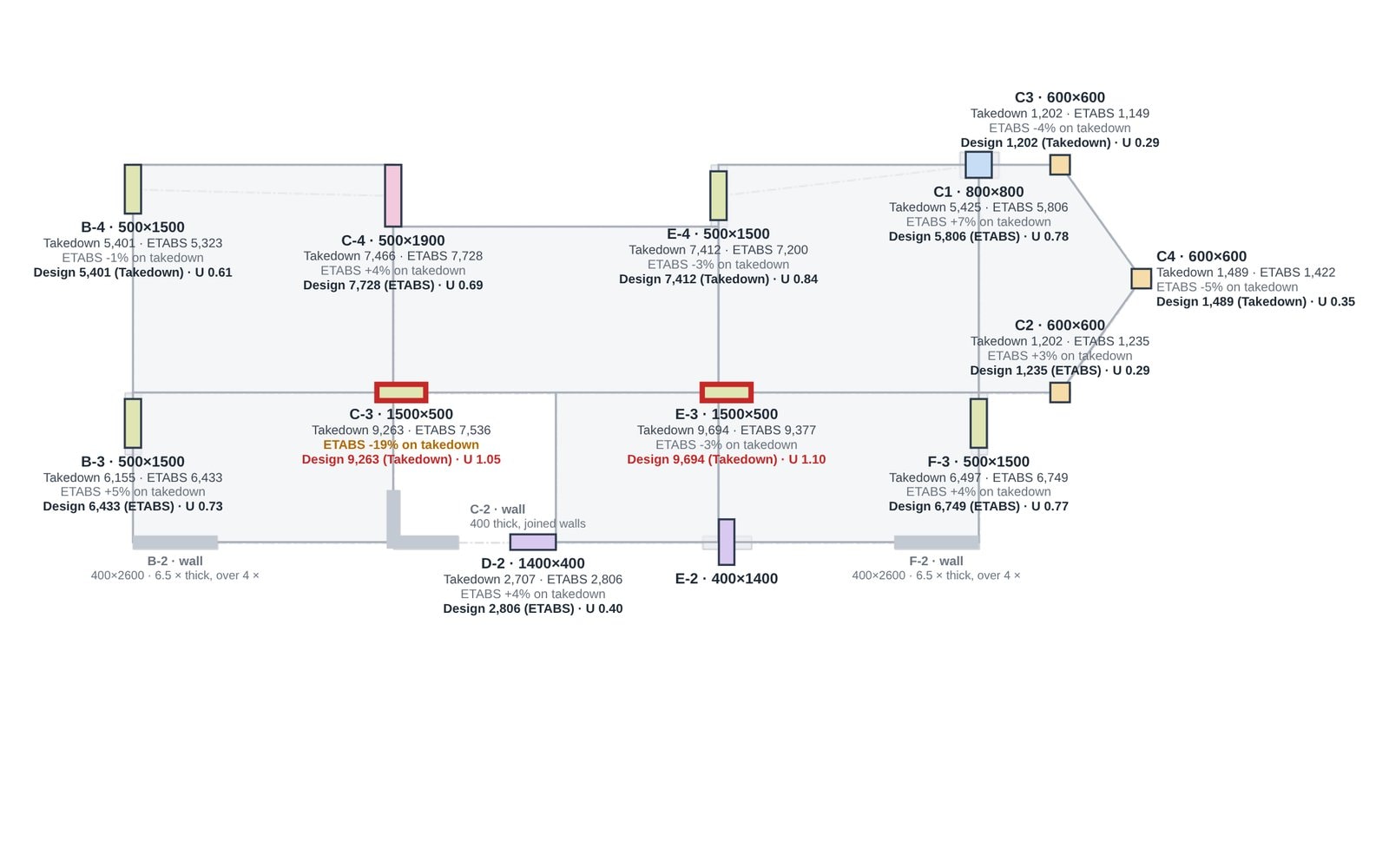
A finite element model shares load by stiffness. A load takedown shares it by tributary area. Near transfers and cores the two can differ by 20% or more. Neither is the whole answer, so the usual practice is to take the worse of the two, column by column.
- Reads
- ETABS .e2k and column forces
- Compares
- Every column, every storey
- Shows
- Difference on plan and in a table
- Plan
- Free to check
How it works
01
Bring in the model
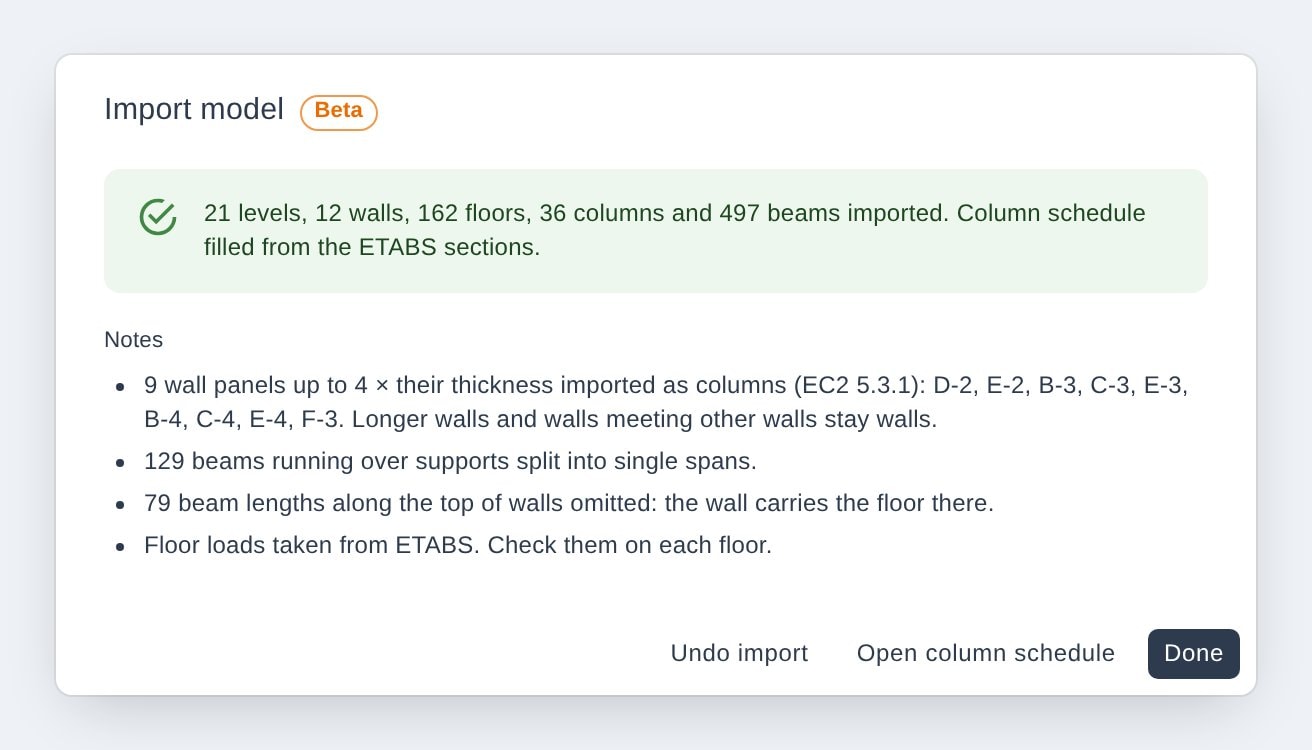
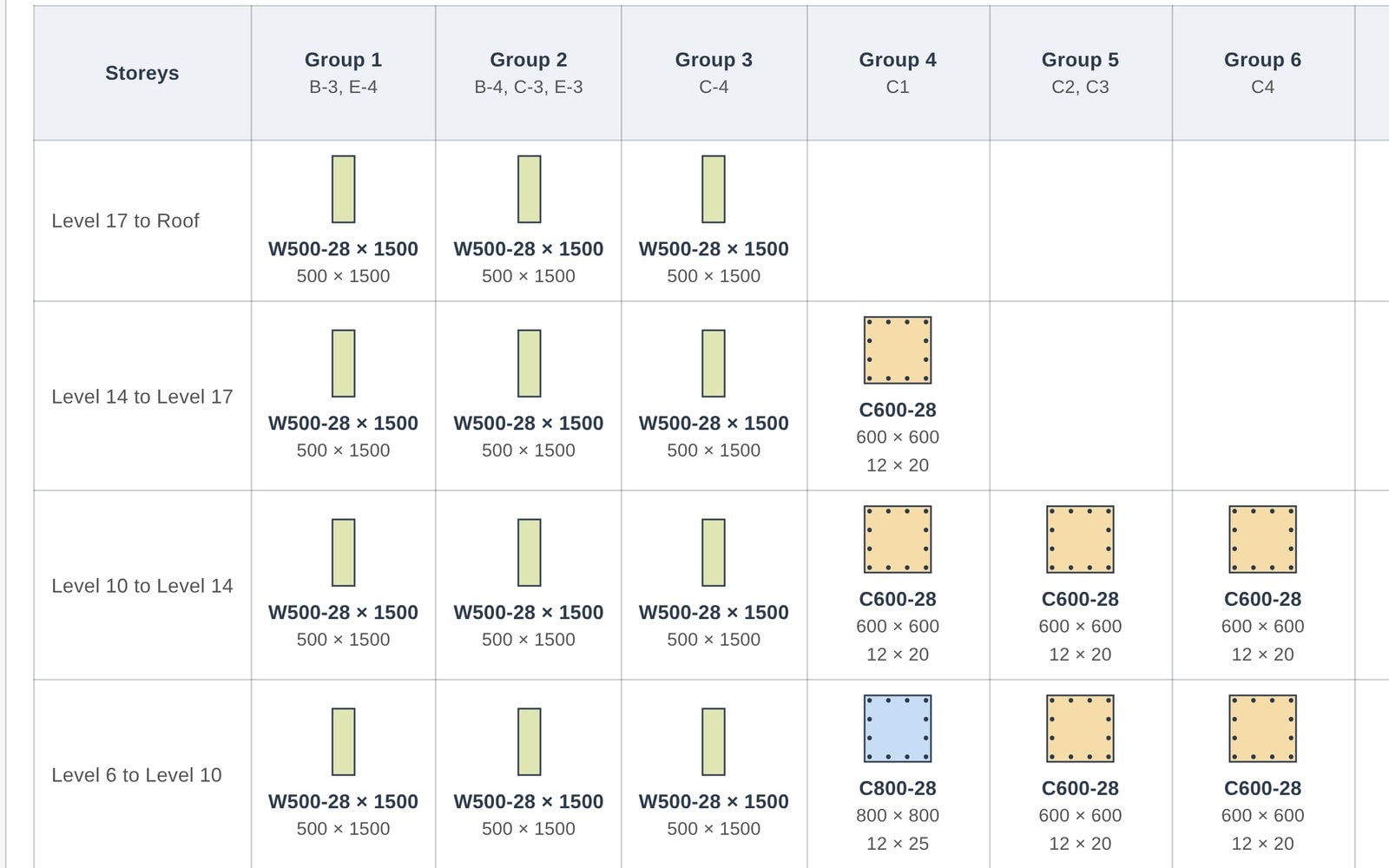
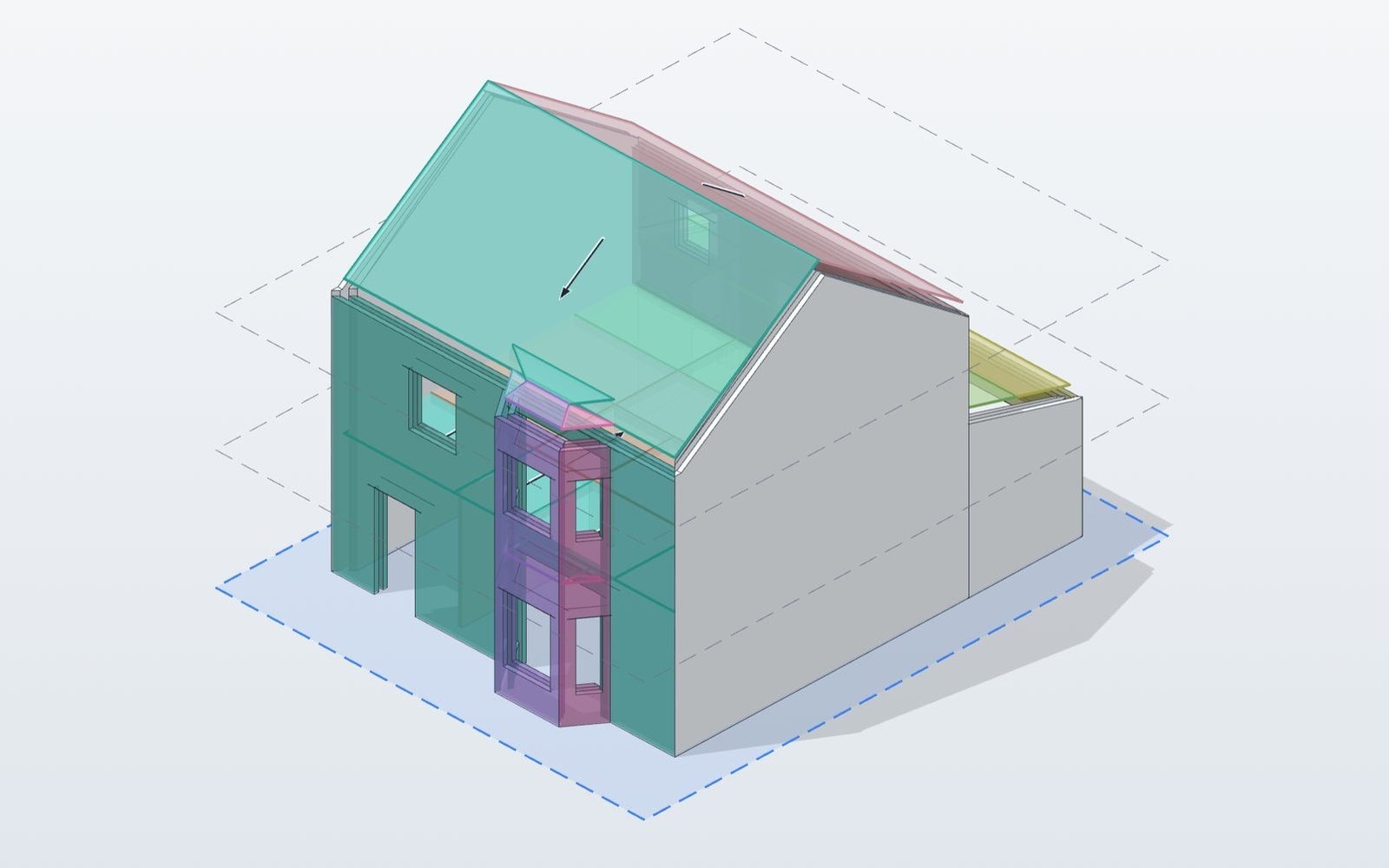
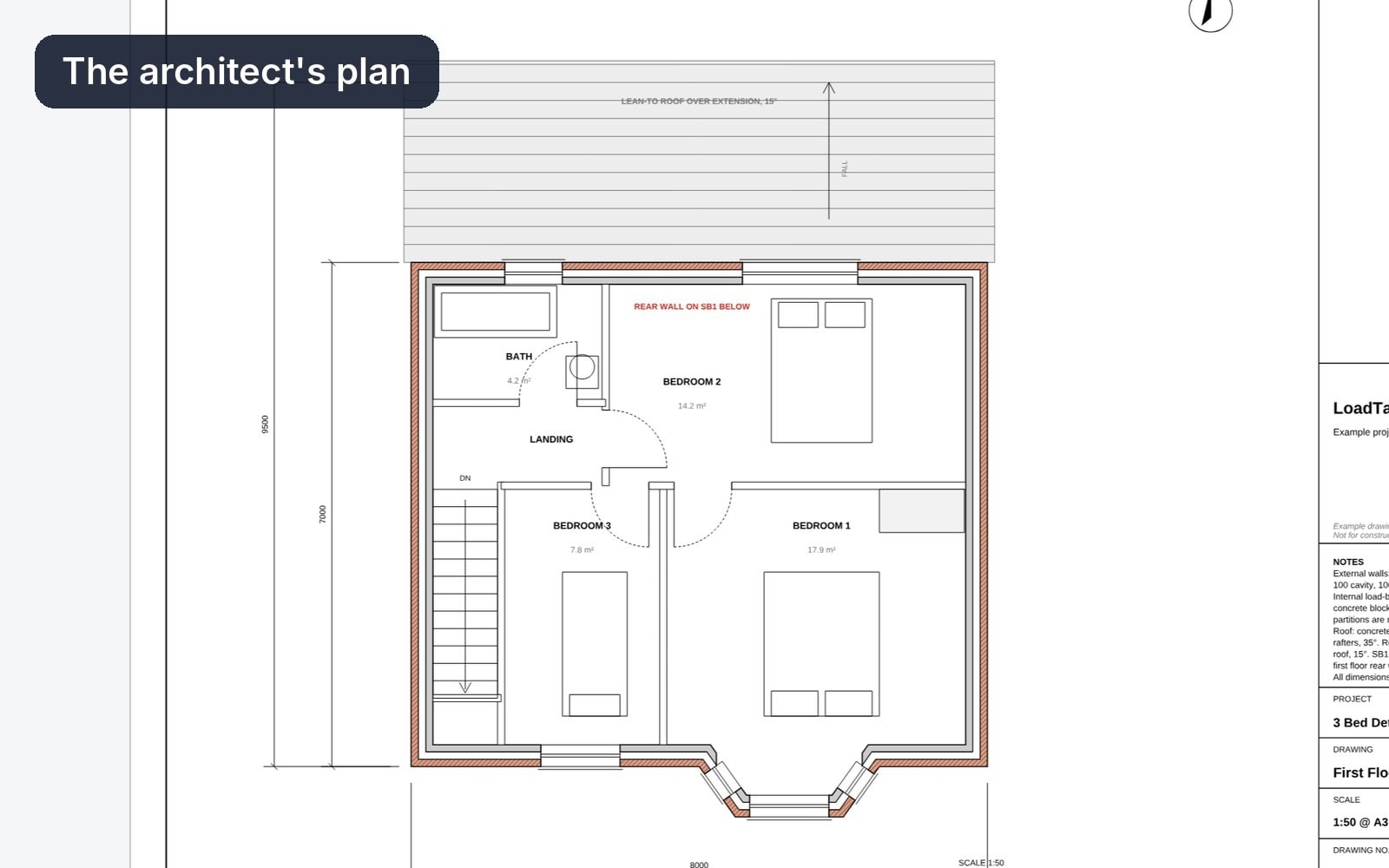
Import the ETABS model (.e2k) into an empty project, or build the model from the architect's PDFs. Columns keep their ETABS labels.
02
Add the column forces
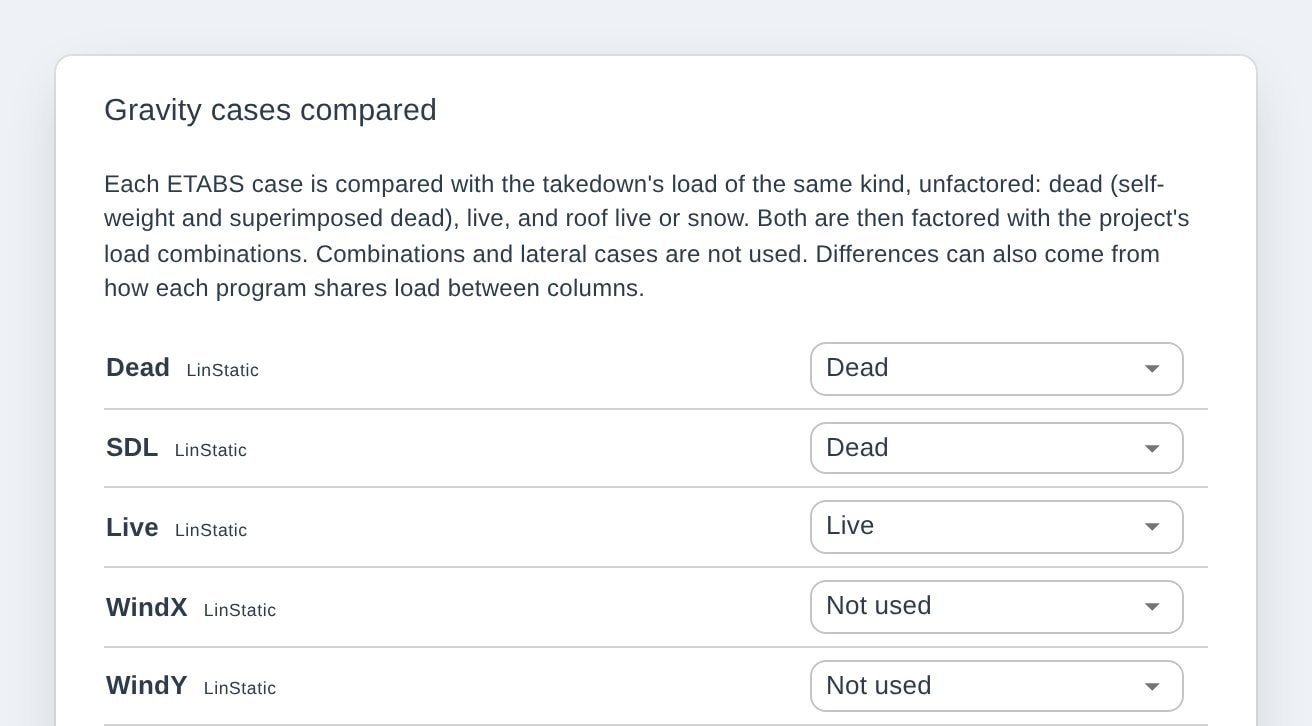
Add the Column Forces and Pier Forces tables exported from ETABS. The load cases are matched to dead and live for you to confirm. Combinations from ETABS are never used.
03
Compare every column
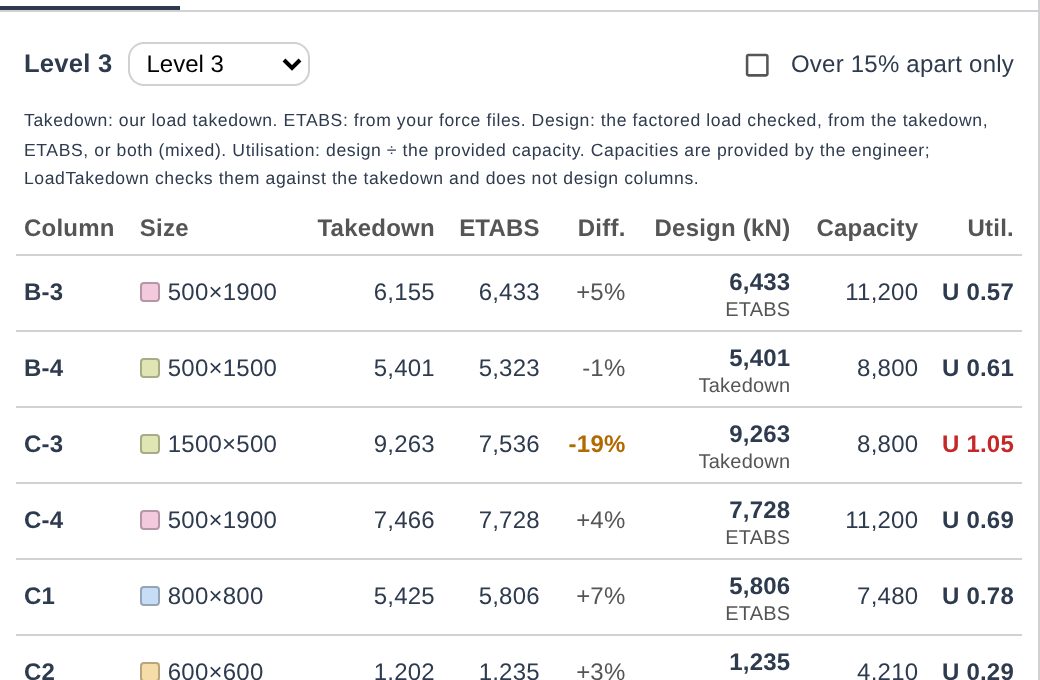
Both sides are factored with your project's own combinations, then shown per column per storey with the difference. Pick the design load: the higher of the two by default.
What changes
Usually
- Spot-check a few columns by hand
- Rebuild tributary areas in a spreadsheet
- Load cases matched by eye
With LoadTakedown
- Every column checked against an independent takedown
- Tributary areas drawn from the model itself
- Gravity cases matched by kind, lateral left out
What to know
- Gravity loads only. Wind and seismic stay in your analysis model.
- A check for the engineer to review, not a design.
- Comparing on screen is free. Excel export of the schedule is on Pro.
Questions
Unfactored dead (self-weight plus superimposed dead) and live, case by case. Both sides are then factored with the takedown's own combinations, so like is compared with like.
ETABS, SAP2000, SAFE, STAAD.Pro, Robot, RFEM, SCIA, Tekla Structural Designer, MasterSeries and others, from their column forces tables. Send us an export from yours and we will check it.
Need this for your work?
Tell us in one line. We read every reply and build what is asked for most.
Start free. Upgrade when you export.
Everything in modelling is free. Pro adds clean branded reports and Word, Excel and IFC exports.