FeaturesModel in
IFC import and export: load takedown in your BIM workflow
Import the BIM model your team already has: walls, slabs, columns and beams come in at their sizes, one level per storey. Export the takedown as IFC with the loads and tributary areas attached.
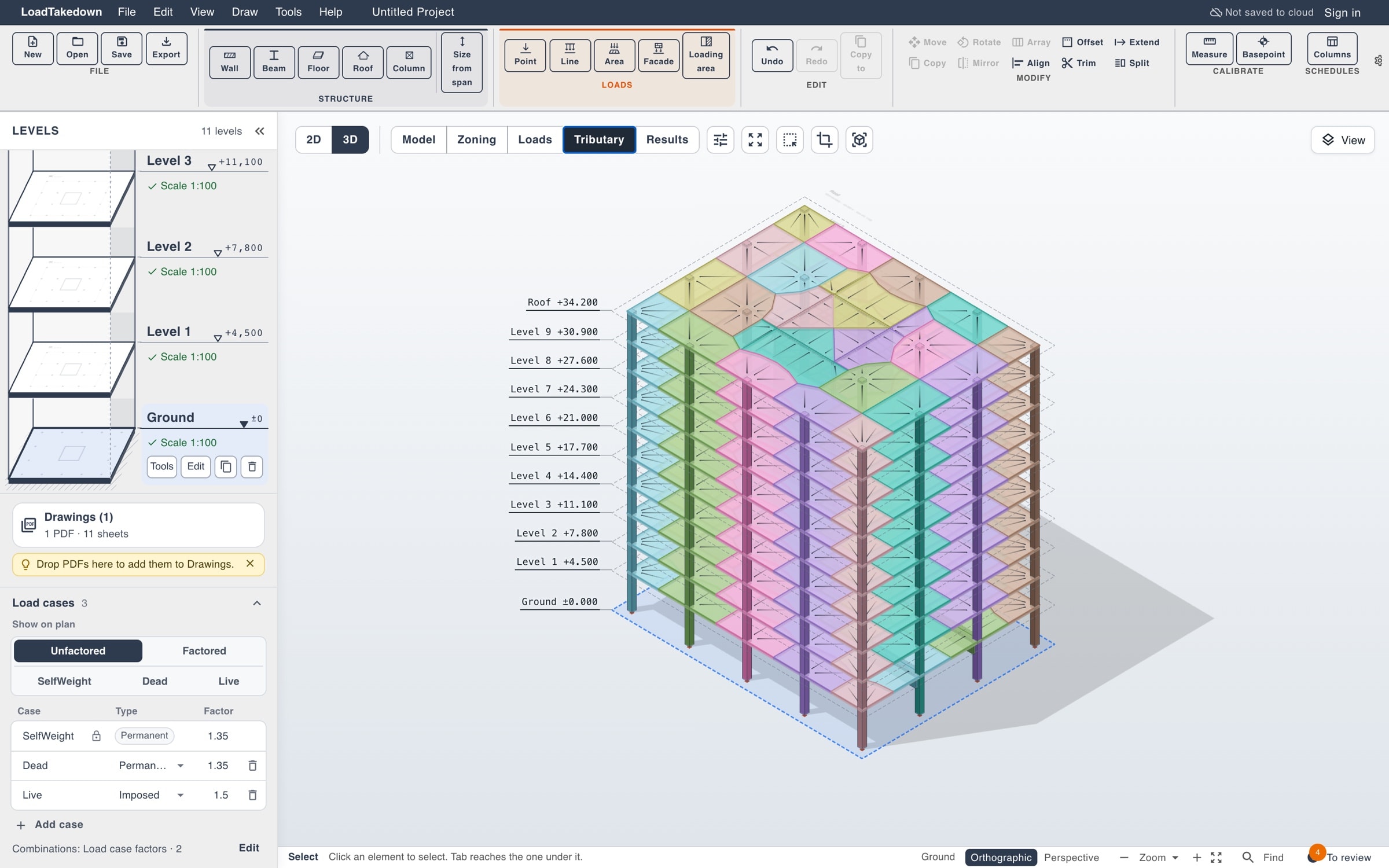
IFC · ImportedIFC4
- Reads
- IFC2x3 and IFC4
- From
- Revit, Tekla, ArchiCAD, Allplan
- Writes
- IFC4 with loads
- Plan
- Import free, export Pro
How it works
01
Import an IFC
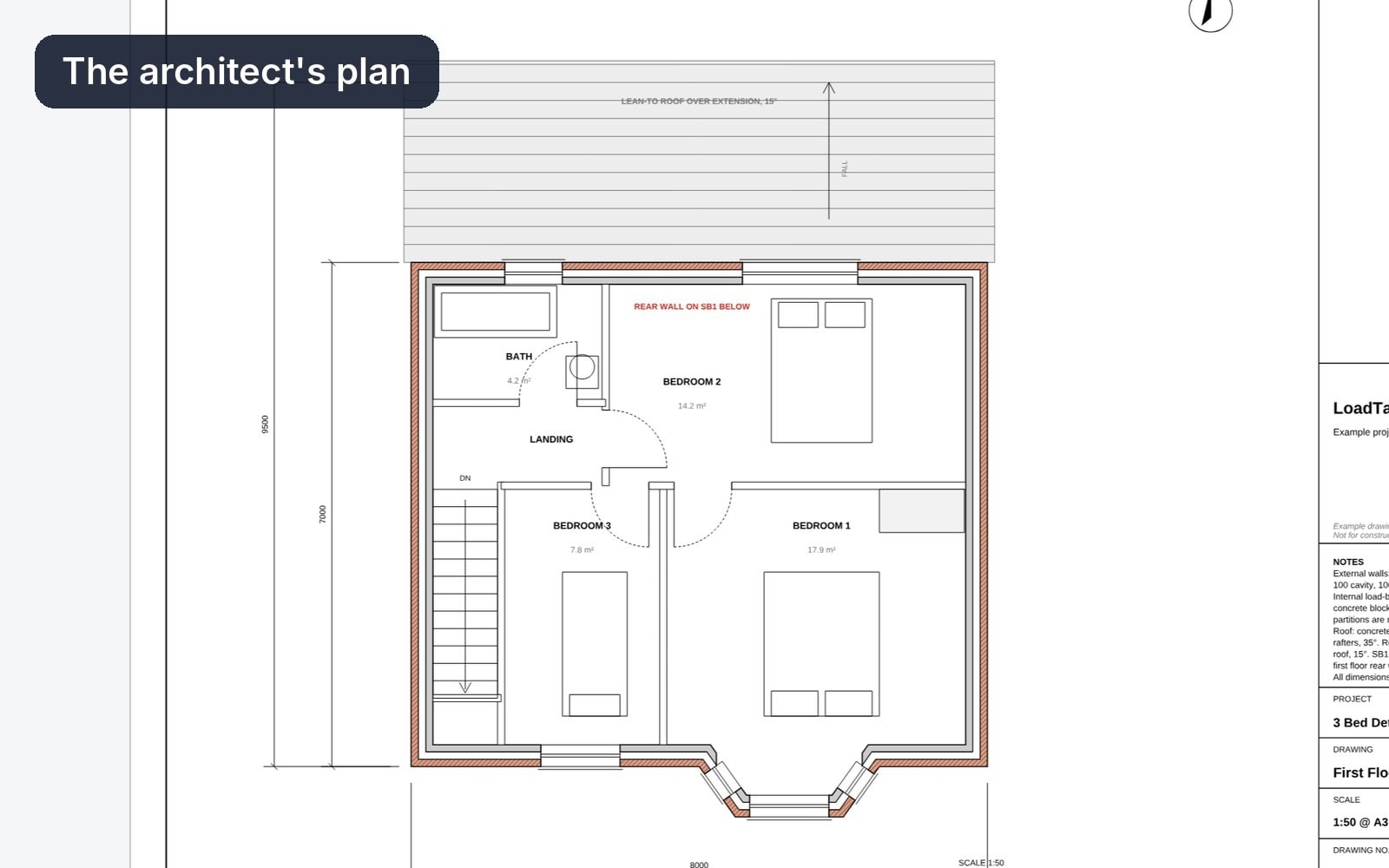
Start a project from an IFC file. Walls, slabs, roofs, columns and beams come in at their sizes, with a plan sheet per level.
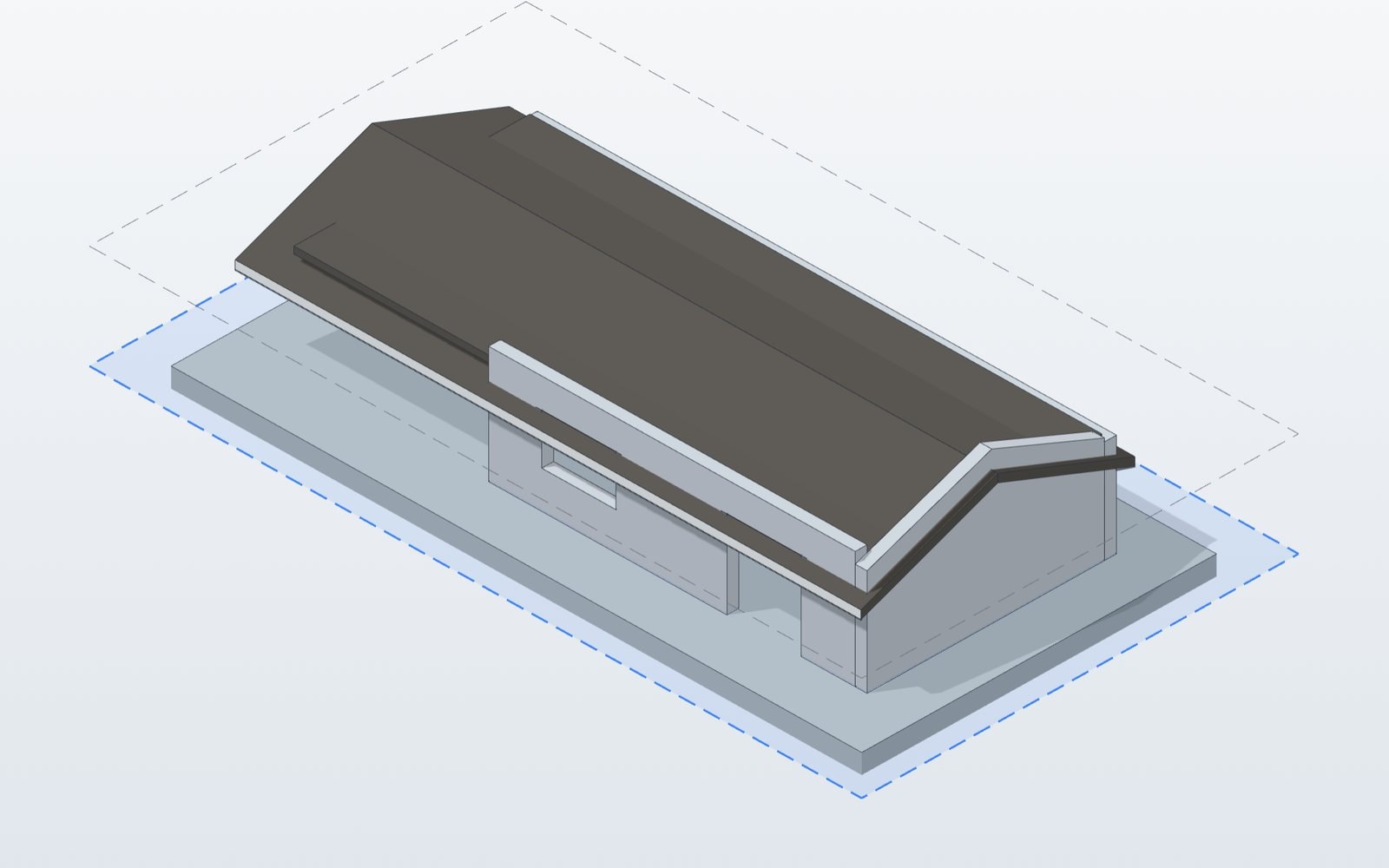
ImportRevit, Tekla, ArchiCAD
02
Run the takedown
Add loads and check the tributary areas. Results update as you edit.
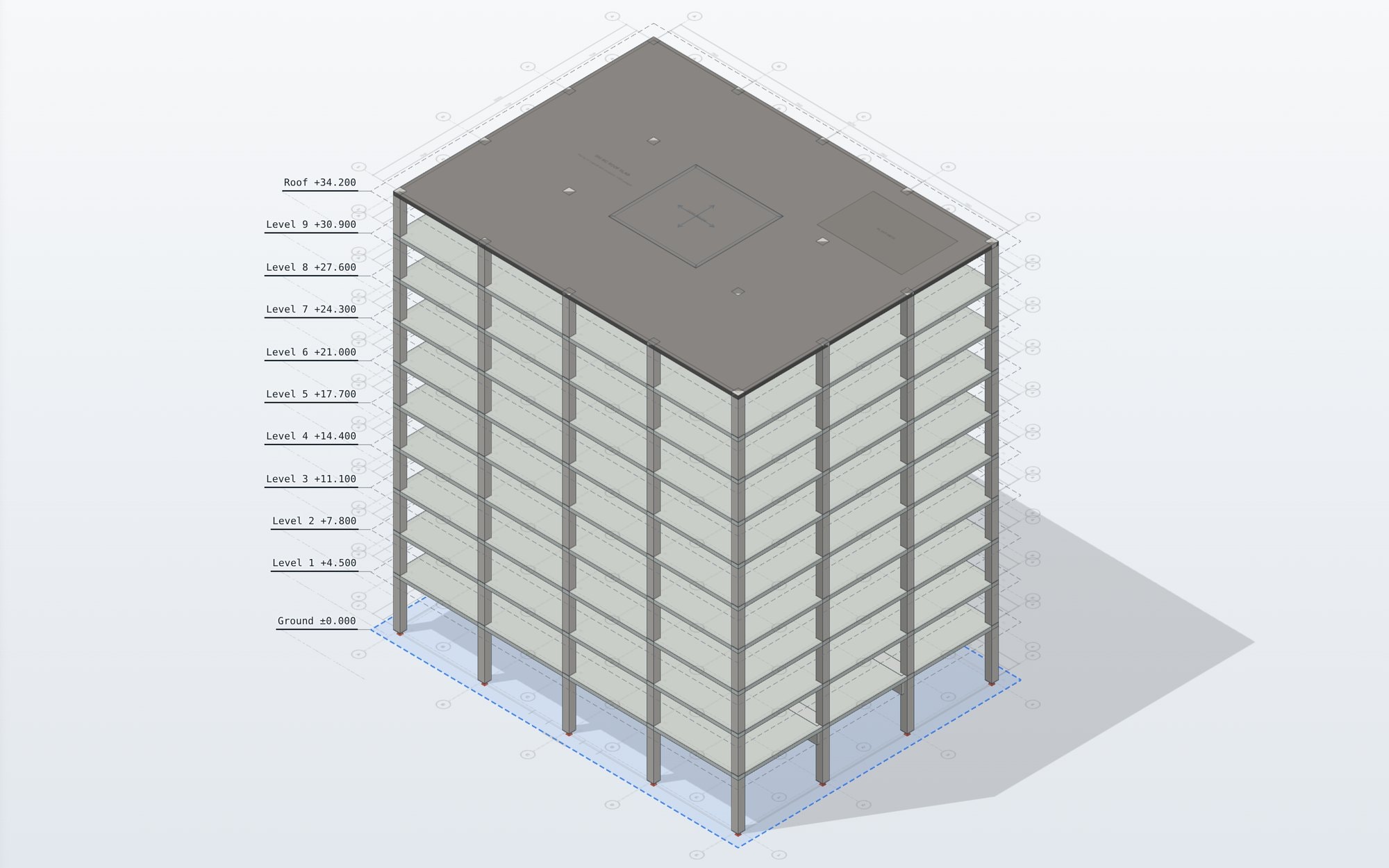
ModelEvery level
03
Export IFC
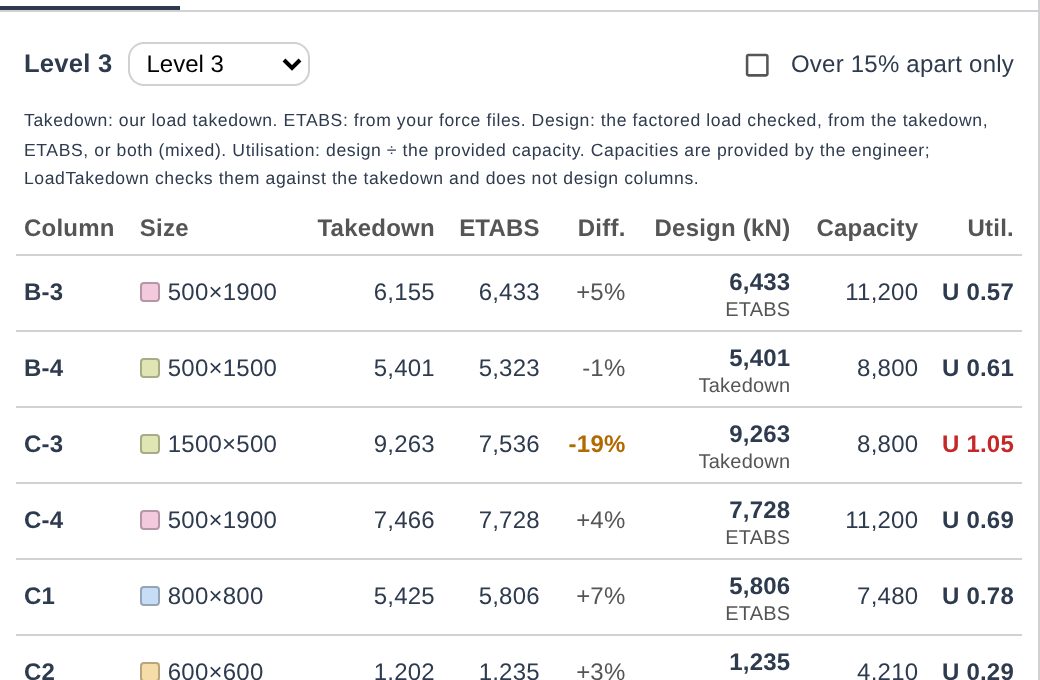
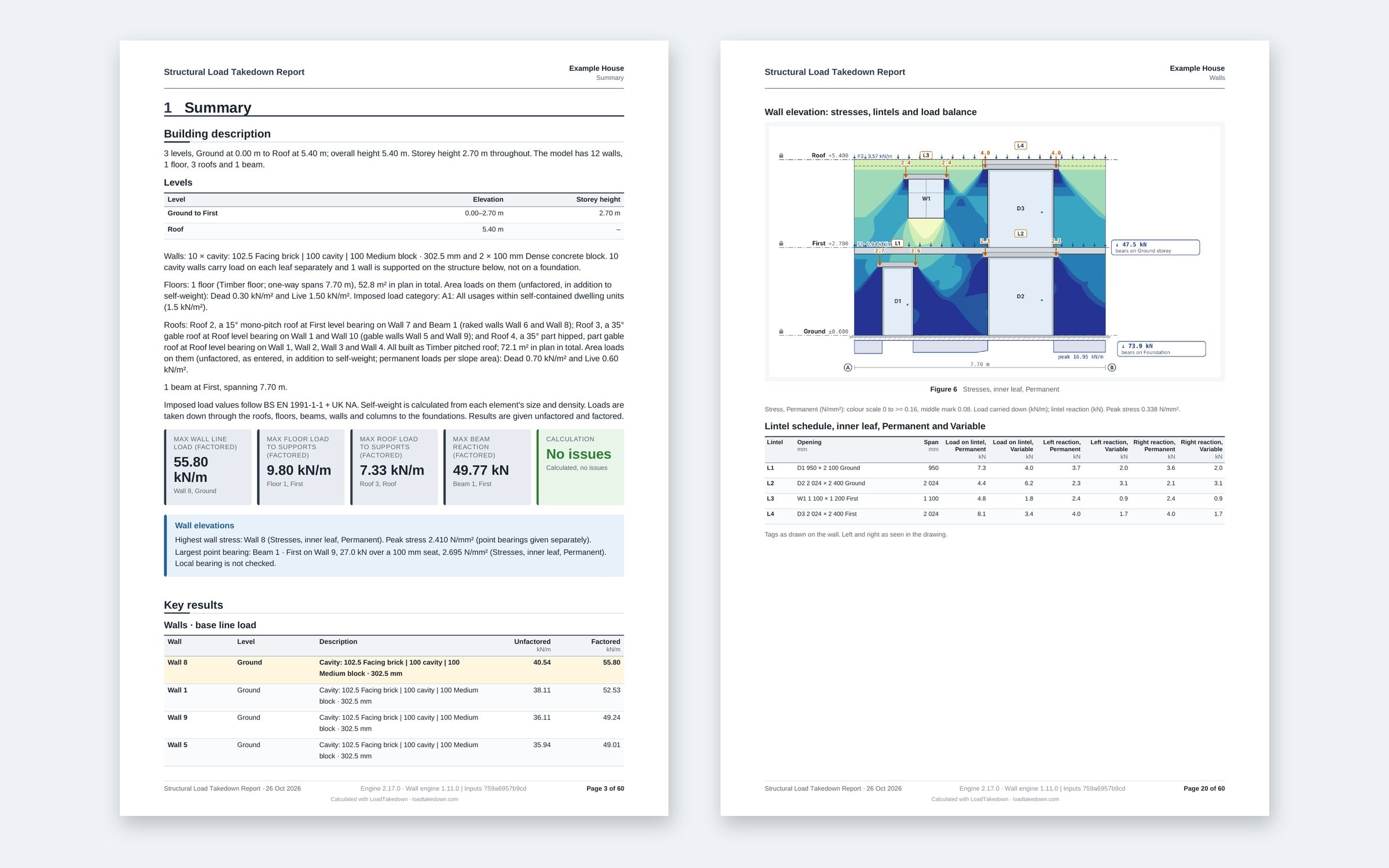
Export an IFC4 file with each element at its size and the loads, reactions and tributary areas attached as properties.
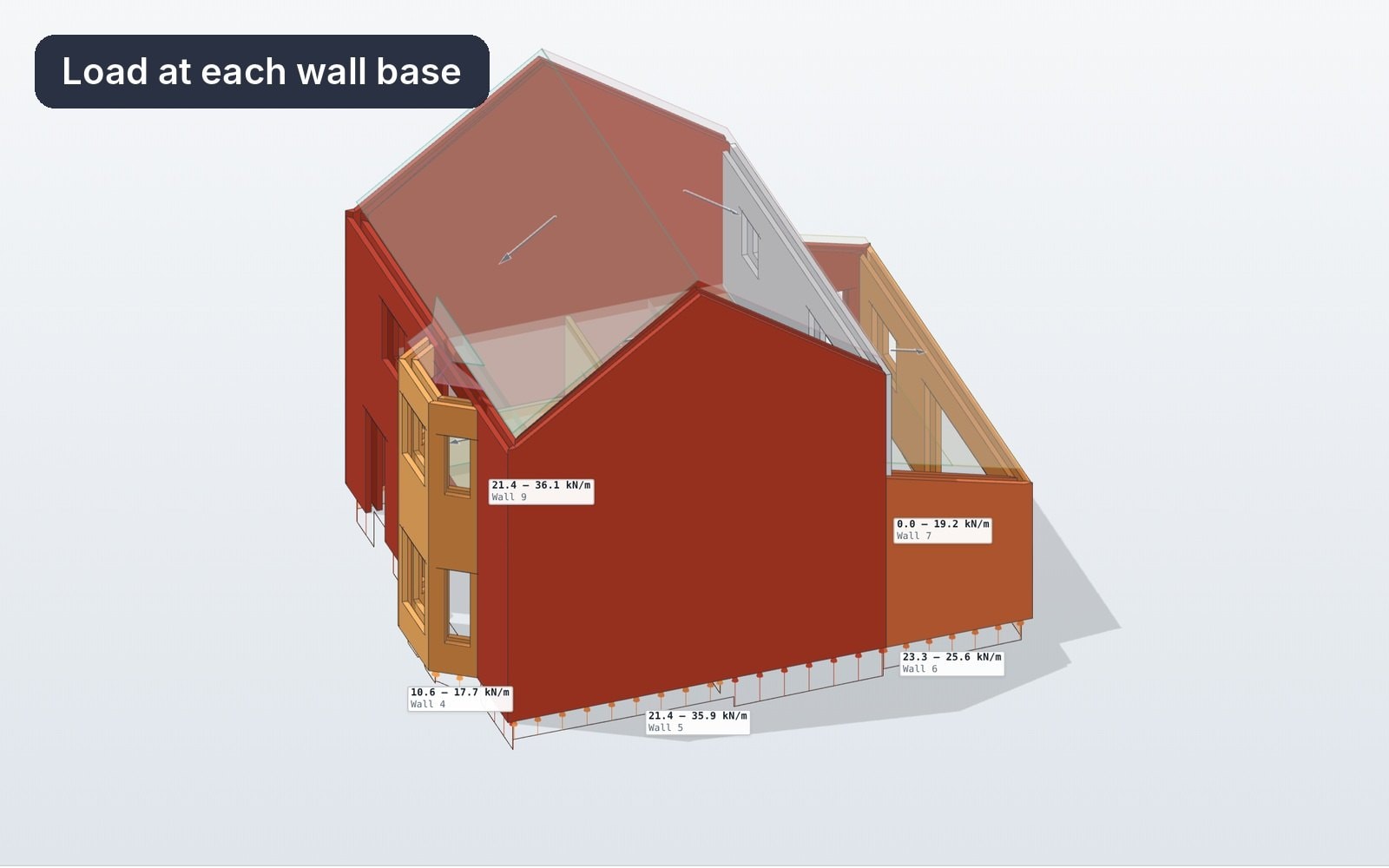
ExportIFC4 with loads
What changes
Usually
- The BIM model redrawn for the takedown
- Loads sent back as a PDF or spreadsheet
- Two models that drift apart
With LoadTakedown
- The IFC model imported as it is
- Loads and tributary areas written into IFC
- One model to check and hand back
What to know
- One way each time: import once, export once. No live sync.
- Elements come in as modelled. Connectivity is not repaired.
- Import is free. IFC export is on Pro.
Questions
Each wall, slab, beam and column at its size, with its loads, reactions and tributary areas as property sets.
Need this for your work?
Tell us in one line. We read every reply and build what is asked for most.
Related
Start free. Upgrade when you export.
Everything in modelling is free. Pro adds clean branded reports and Word, Excel and IFC exports.