FeaturesLoads and results
Load takedown software with live tributary areas
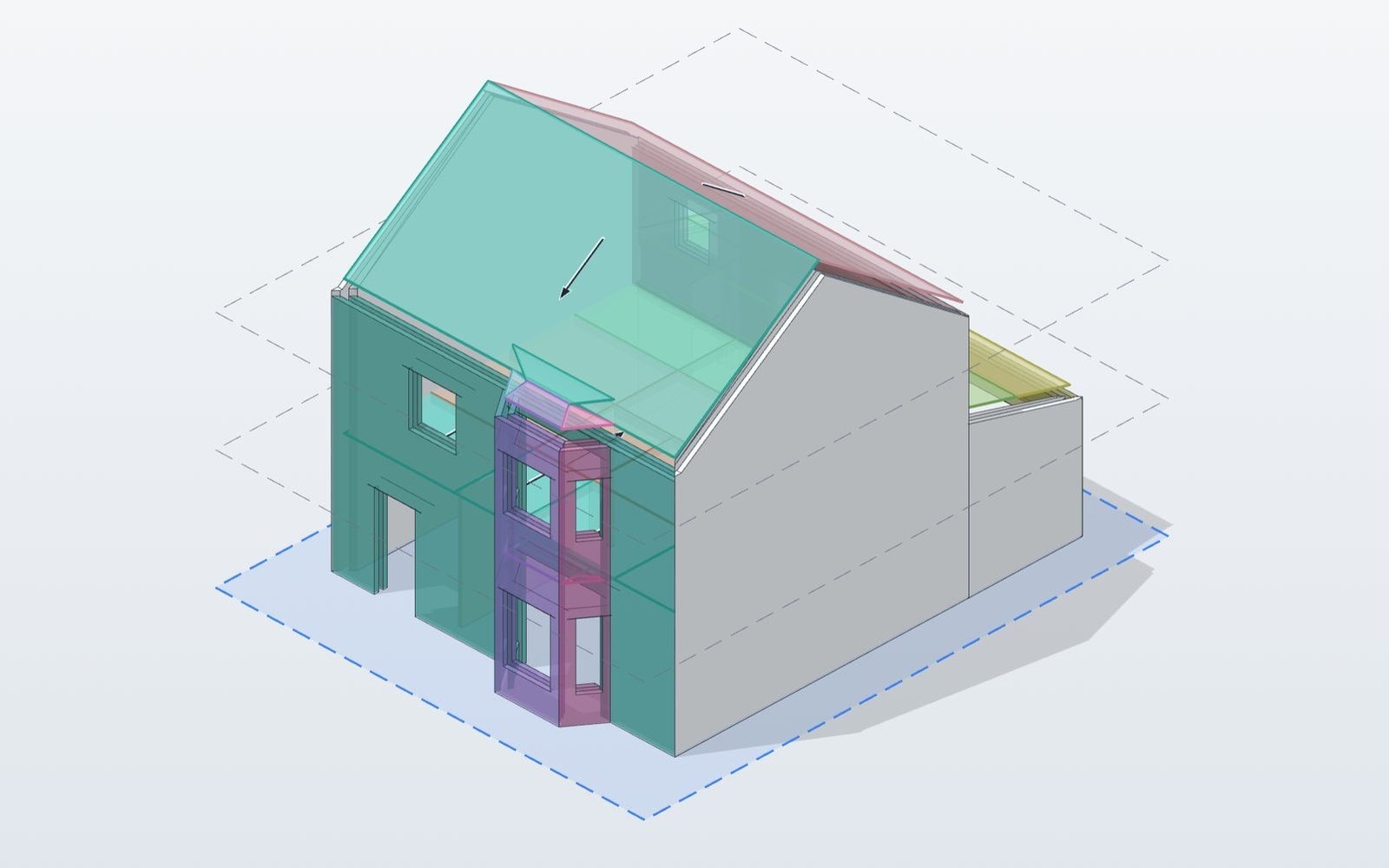
- Loads
- Dead, imposed, snow, facade
- Results
- Every wall, beam and column base
- Updates
- As you draw
- Plan
- Free
How it works
01
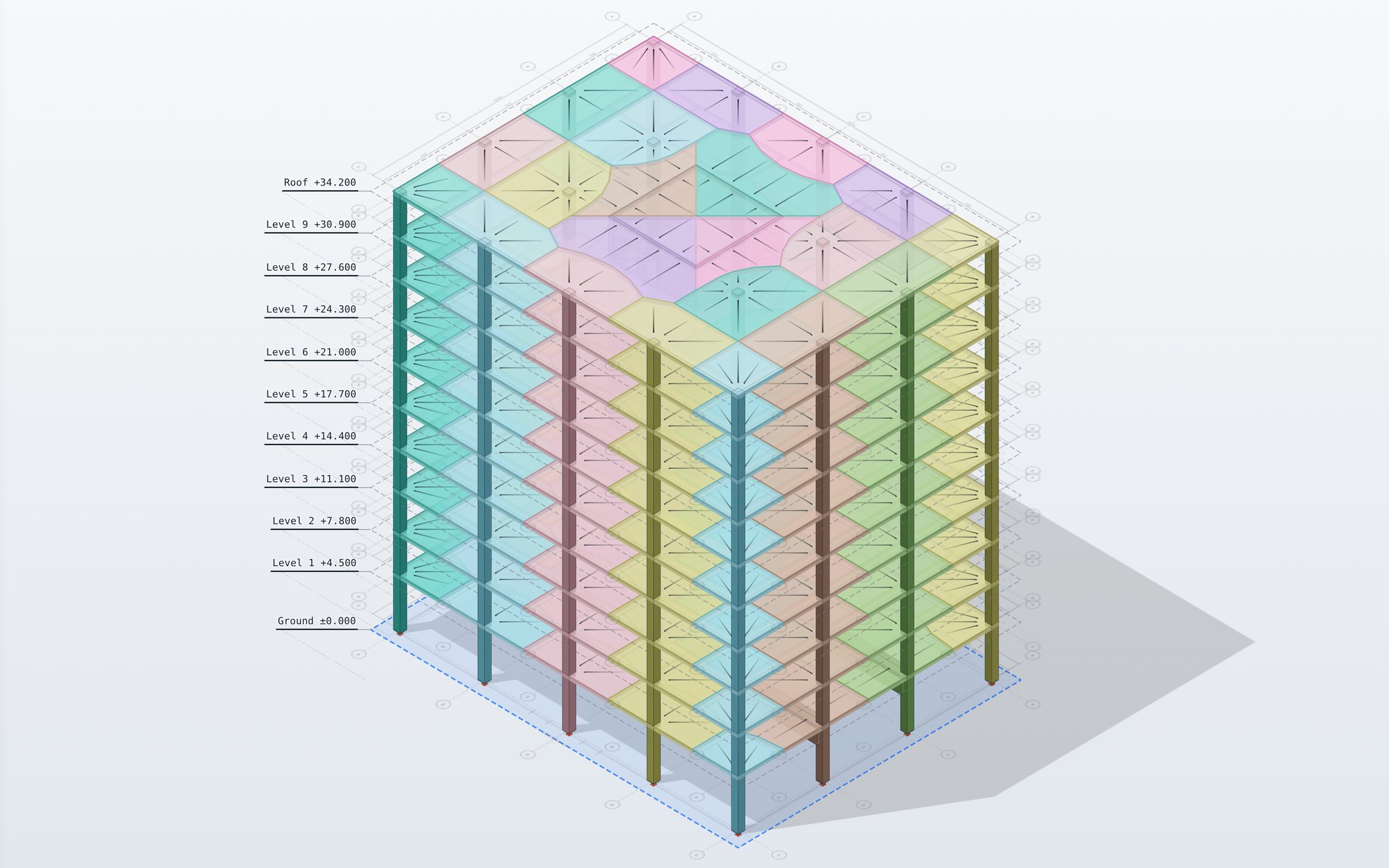
Tributary areas
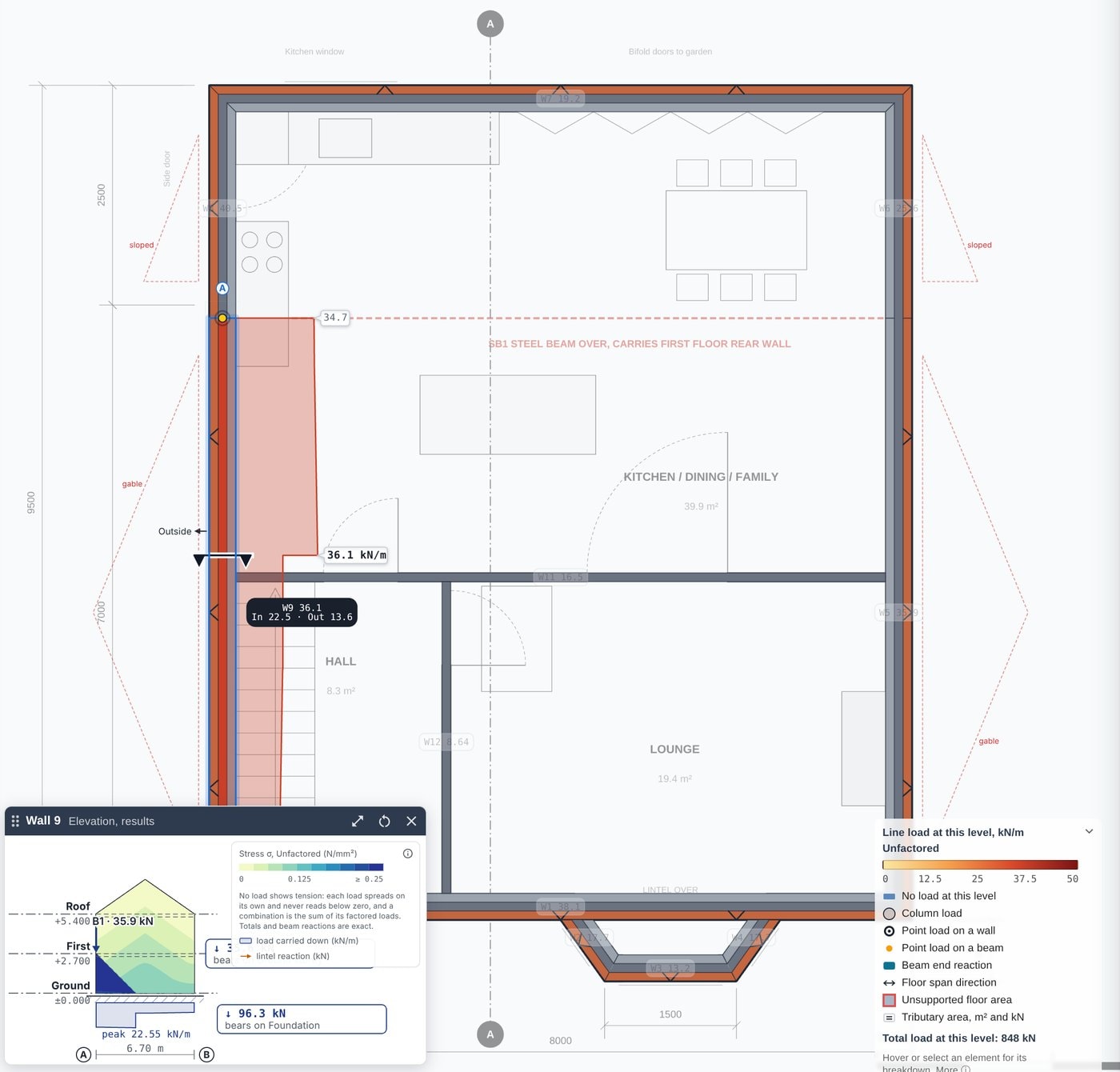
Floors span one way or two ways, as you set them. Each area is coloured by what it loads.
02
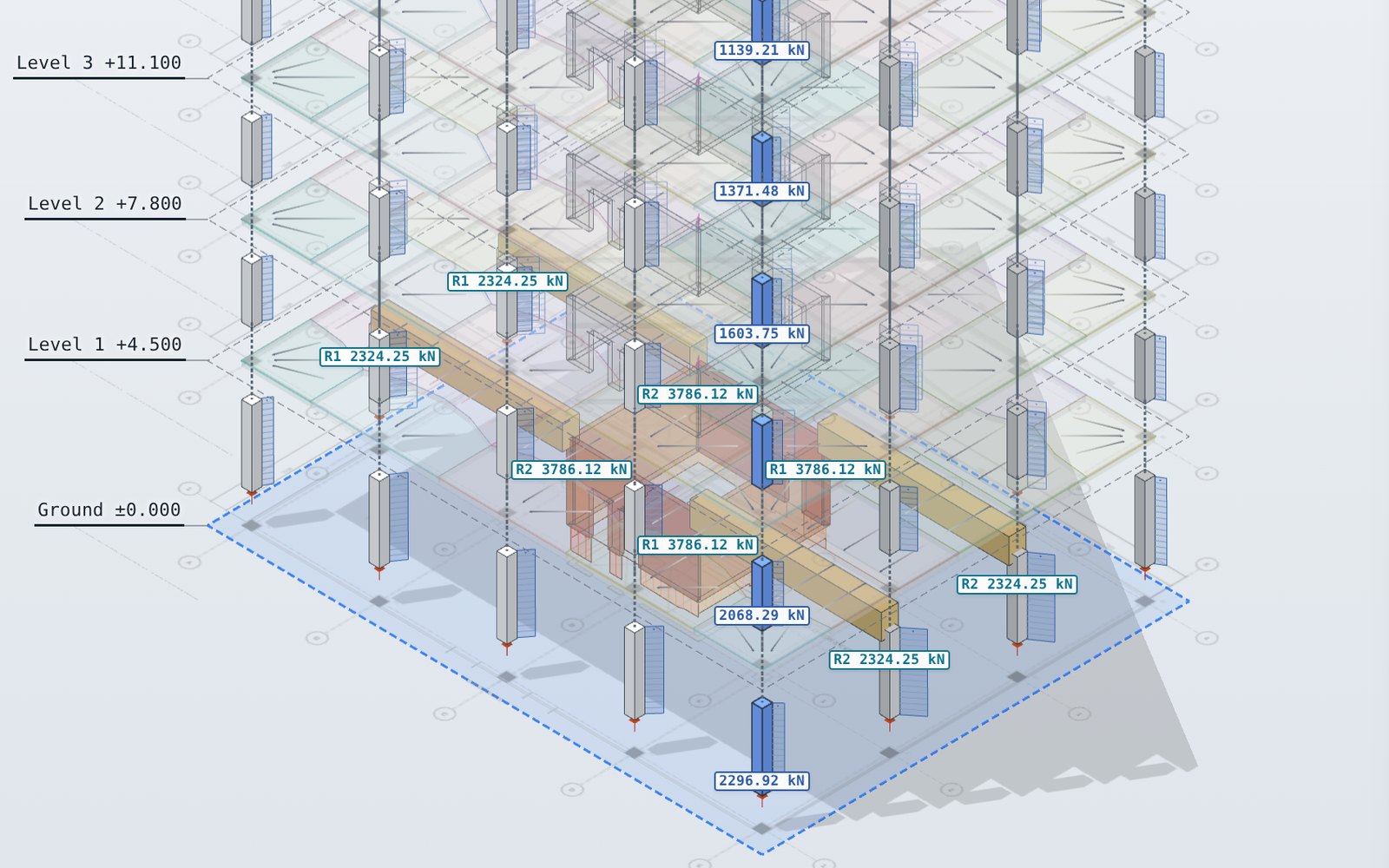
Loads
Floor loading areas by use, facade loads on every edge, and point, line and area loads. Load cases and combinations for the UK, Europe, the US and others.
03
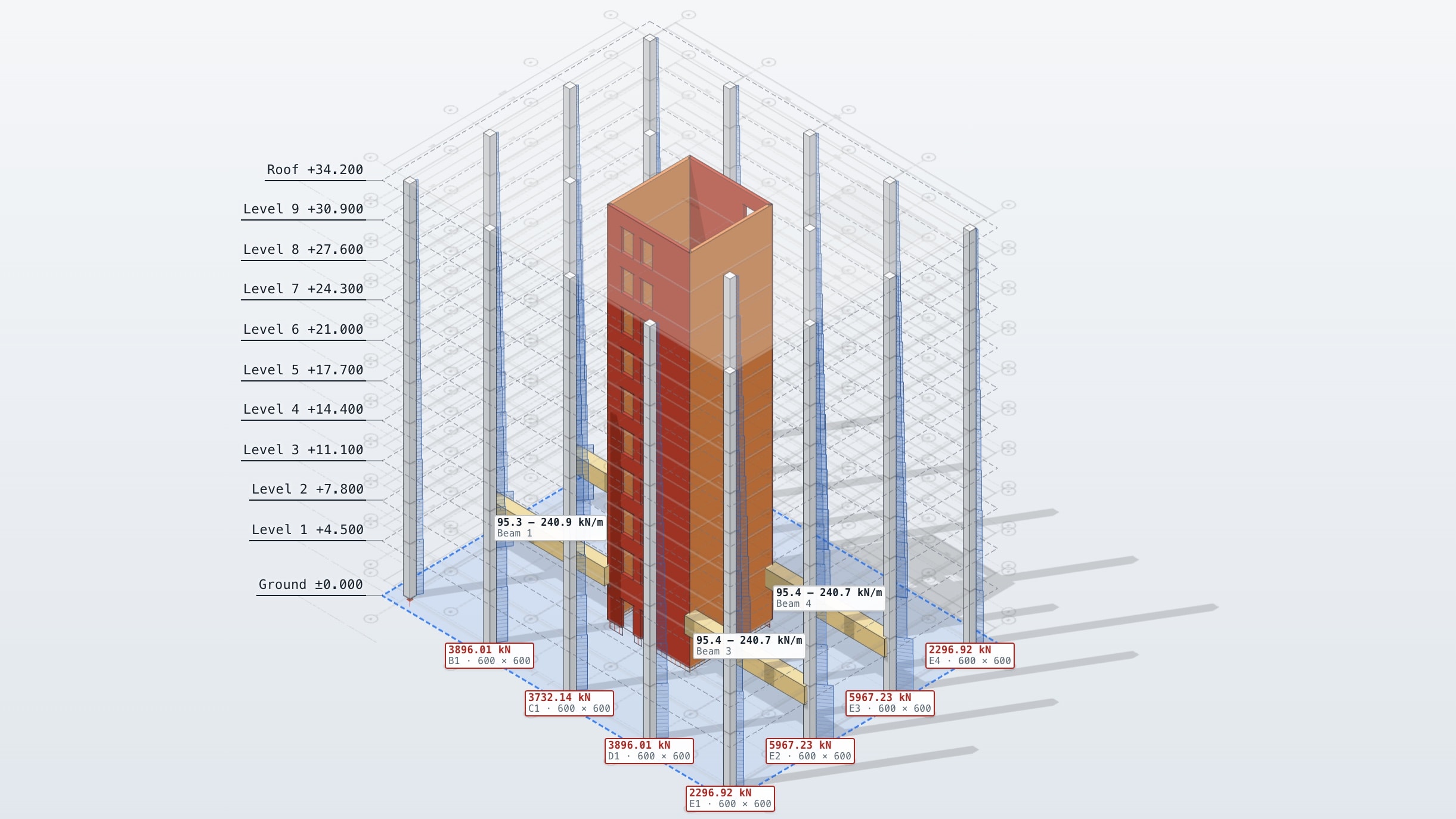
Results you can check
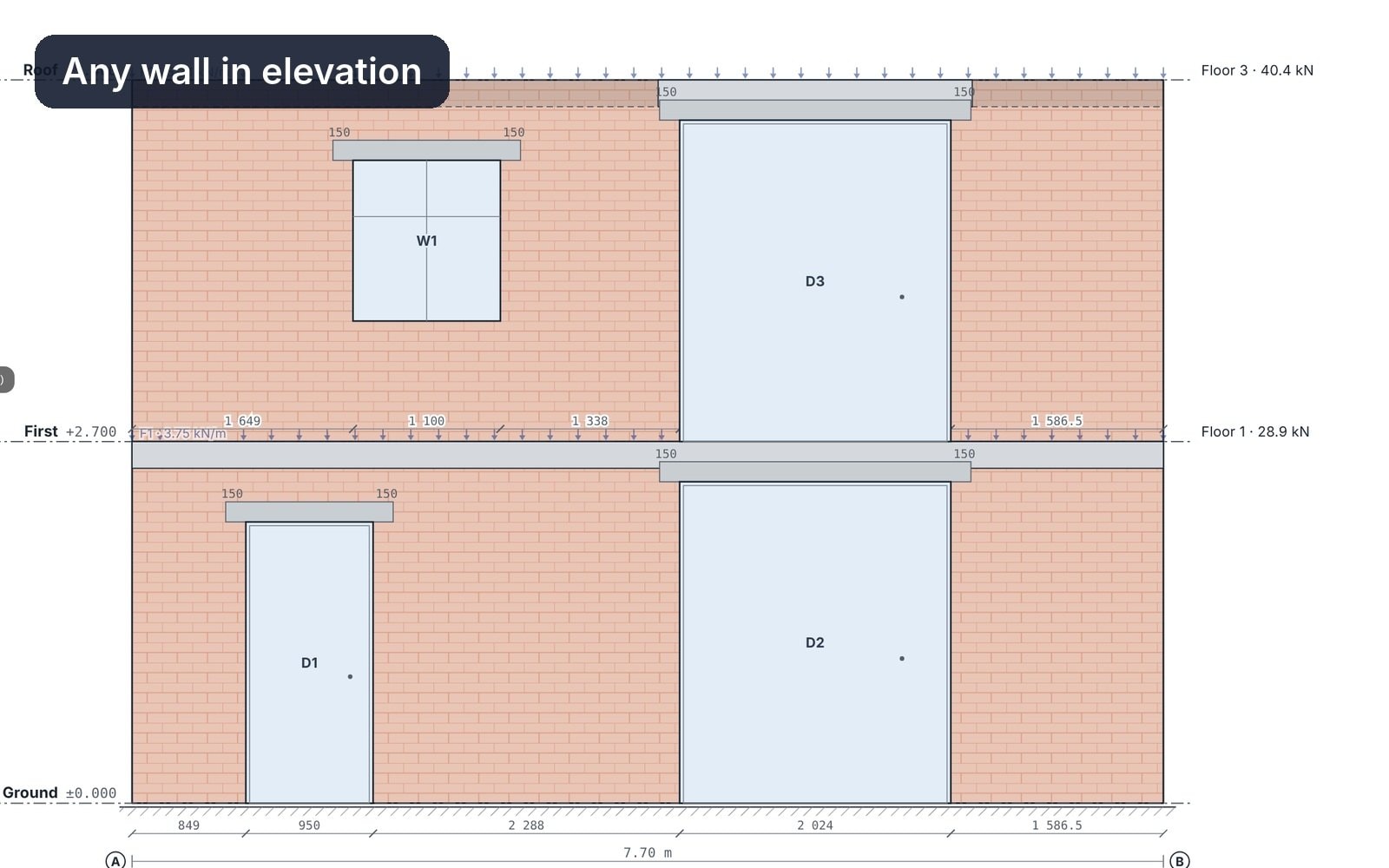
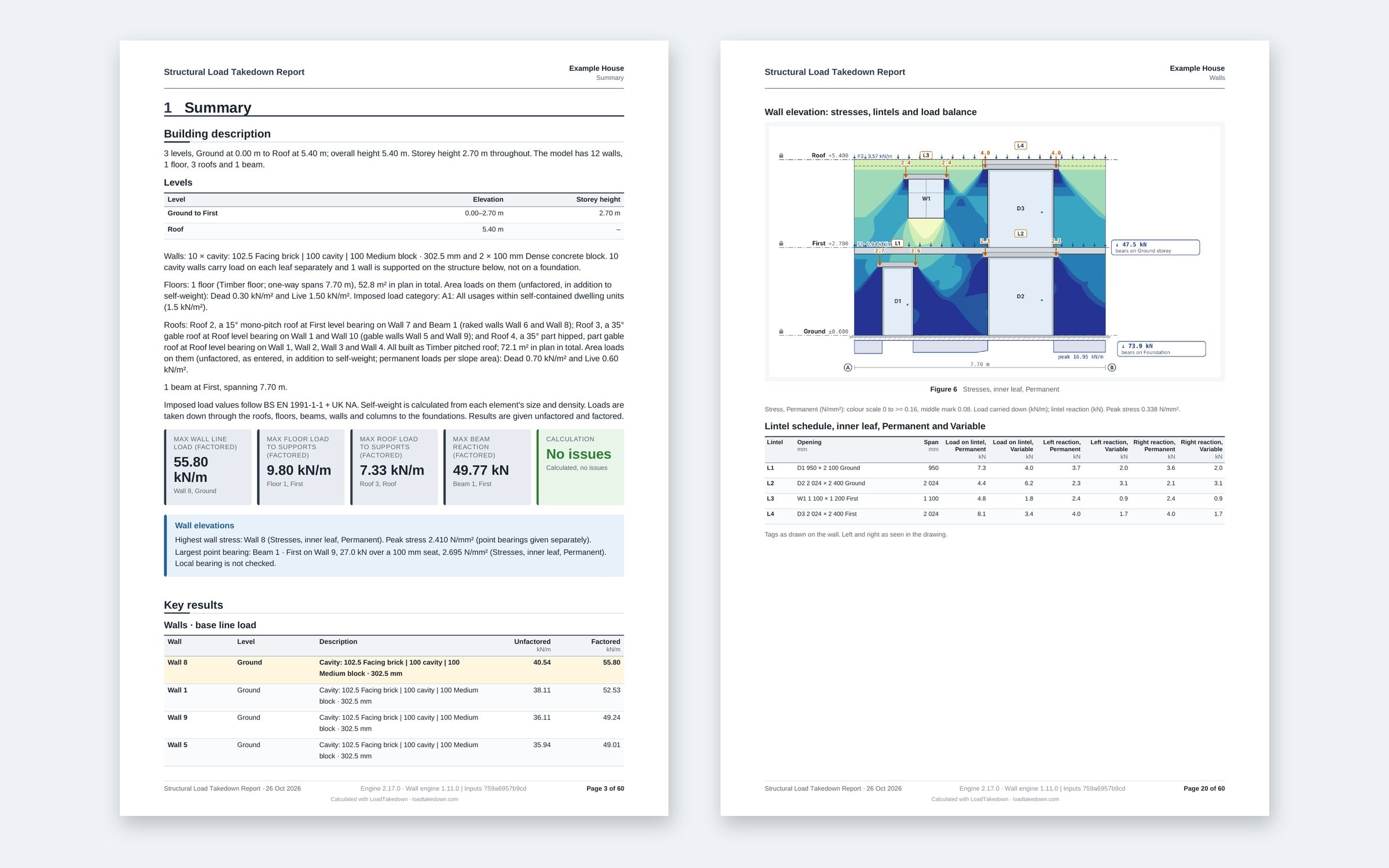
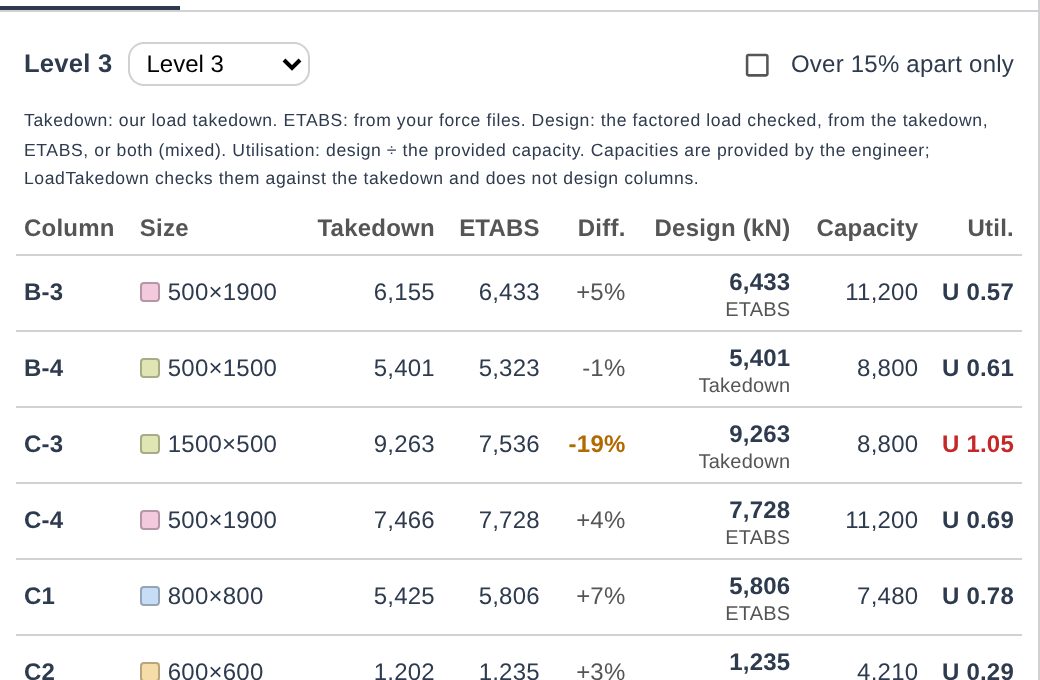
The load at every wall and column base, broken down by level and by the area that put it there. A model check names any element that will not calculate.
04
Instant results as you drag
Drag and move elements and the results update instantly, so you can make decisions live as your project changes. No waiting for an analysis to run.
What changes
Usually
- Tributary areas drawn on a printout
- A spreadsheet row per element
- Every change worked through again by hand
With LoadTakedown
- Tributary areas worked out as you draw
- Loads carried down storey by storey
- Changes update every result at once
What to know
- Vertical loads only.
- Floors span as you set them, with no hidden load sharing.
- Free, with watermarked PDF reports.
Questions
Need this for your work?
Tell us in one line. We read every reply and build what is asked for most.
Start free. Upgrade when you export.
Everything in modelling is free. Pro adds clean branded reports and Word, Excel and IFC exports.